Backyard Hero
Contributor Portal
OS4 · 05.2026 build stage

Fire your own backyard show. From hardware you built, on a cutting-edge system.

Custom 2.4 GHz receivers, a USB dongle, and a web show builder you can pull up on a laptop, tablet, or smartphone. Design the show at home, wire the racks in the afternoon, fire it at dark. The whole stack (boards, firmware, host app) lives in the public repo and will stay there.

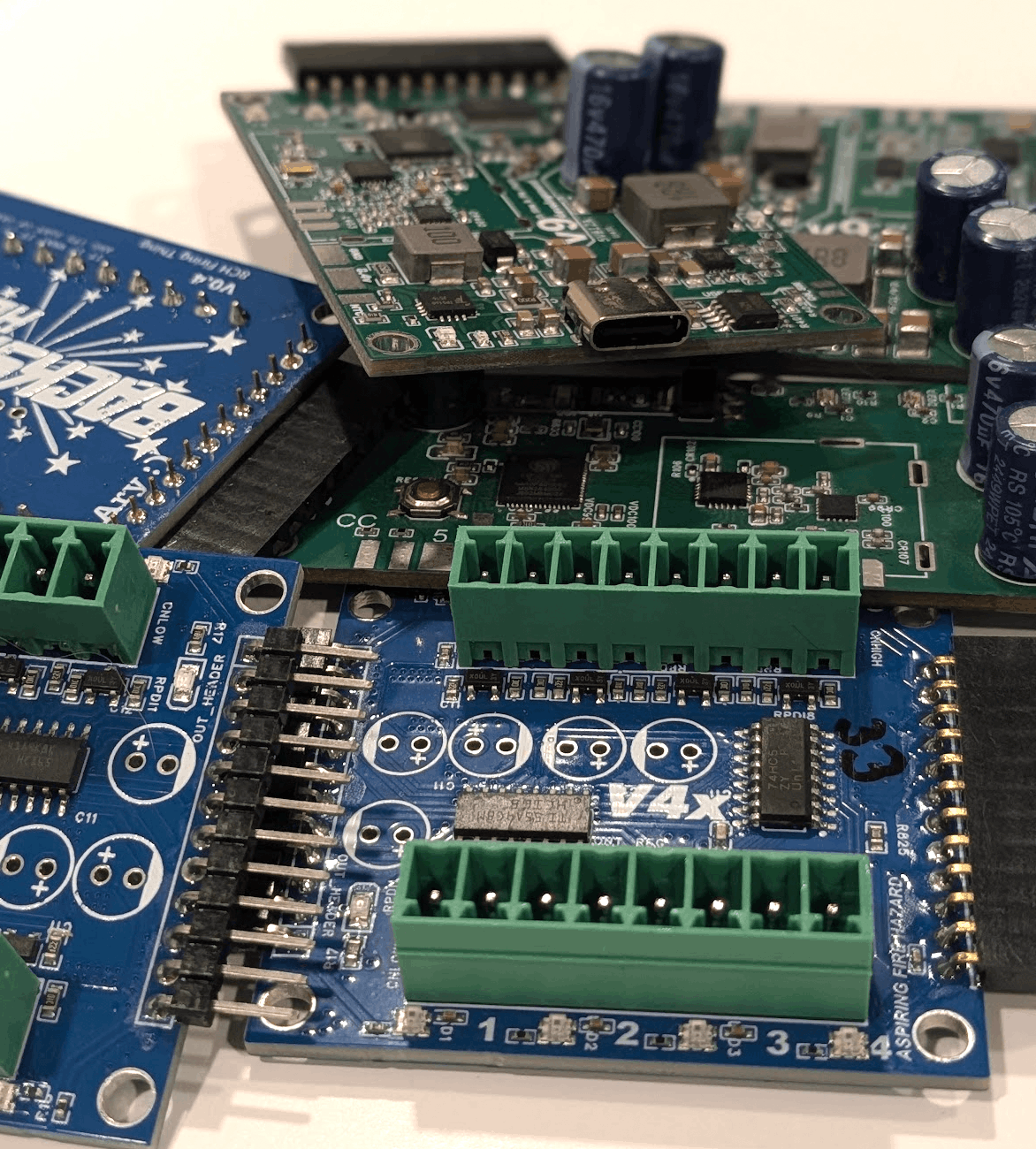
The Backyard Hero board family of receiver, dongle, and cue module stacked on a workbench
Status: 05.2026 semi-open testing Contributor Portal: resources, hardware requests, and show editor preview

What it is

Backyard Hero is the system you fire a backyard show with: a laptop or phone in hand, a dongle plugged in, custom receivers sitting next to your racks. It's an open replacement for the $400-and-up proprietary boxes most hobbyists end up settling for.

Receivers run on a custom 2.4 GHz radio with line-of-sight range past a thousand yards and sub-10 ms cross-receiver sync. Once a show starts, every receiver fires from its own clock; RF noise during the run can't move your timing. The dongle also carries a 433 MHz radio, so legacy Bilusocn-style gear keeps working alongside it.

The show builder is a web app that runs on your laptop or a Raspberry Pi. It handles the slow work: cataloging from a 10,000+ shell database, snapping cues to music, fusing math, satellite-image field layouts, and the print-friendly paperwork for the field. Phones and tablets can connect to the same UI over Wi-Fi, so the person wiring at the racks can pull up the loadout without crowding the laptop. The dongle fires the show and reports back live.

Everything (schematics, gerbers, firmware, the host app) is in the public repo under a DBAD license. Build your own, fork it, fab it, print the enclosure, send a PR if you find something worth fixing. Currently, hardware is being shipped to contributors for free as the system is built!

Range
1,000 yd line of sight
Cues
Tested w/ over 2000 cues
Timing
Sub-10ms timing across receivers
Runtime
~24 hr per charge
Charge
USB-C PD, 12 V
Radios
2.4 GHz (Native Recievers) and 433 MHz (Bilusocn/Generic)
Host
macOS · Linux · Windows · Raspberry Pi
Cost to Build
~$114 in materials (w/ laptop+dongle setup)

License
DBAD (link)

The parts

A starter setup is one dongle, one or two receivers, and a handful of 8-cue modules. The receivers chain modules over a simple daisy bus, so capacity scales by adding $8 boards instead of buying another receiver.

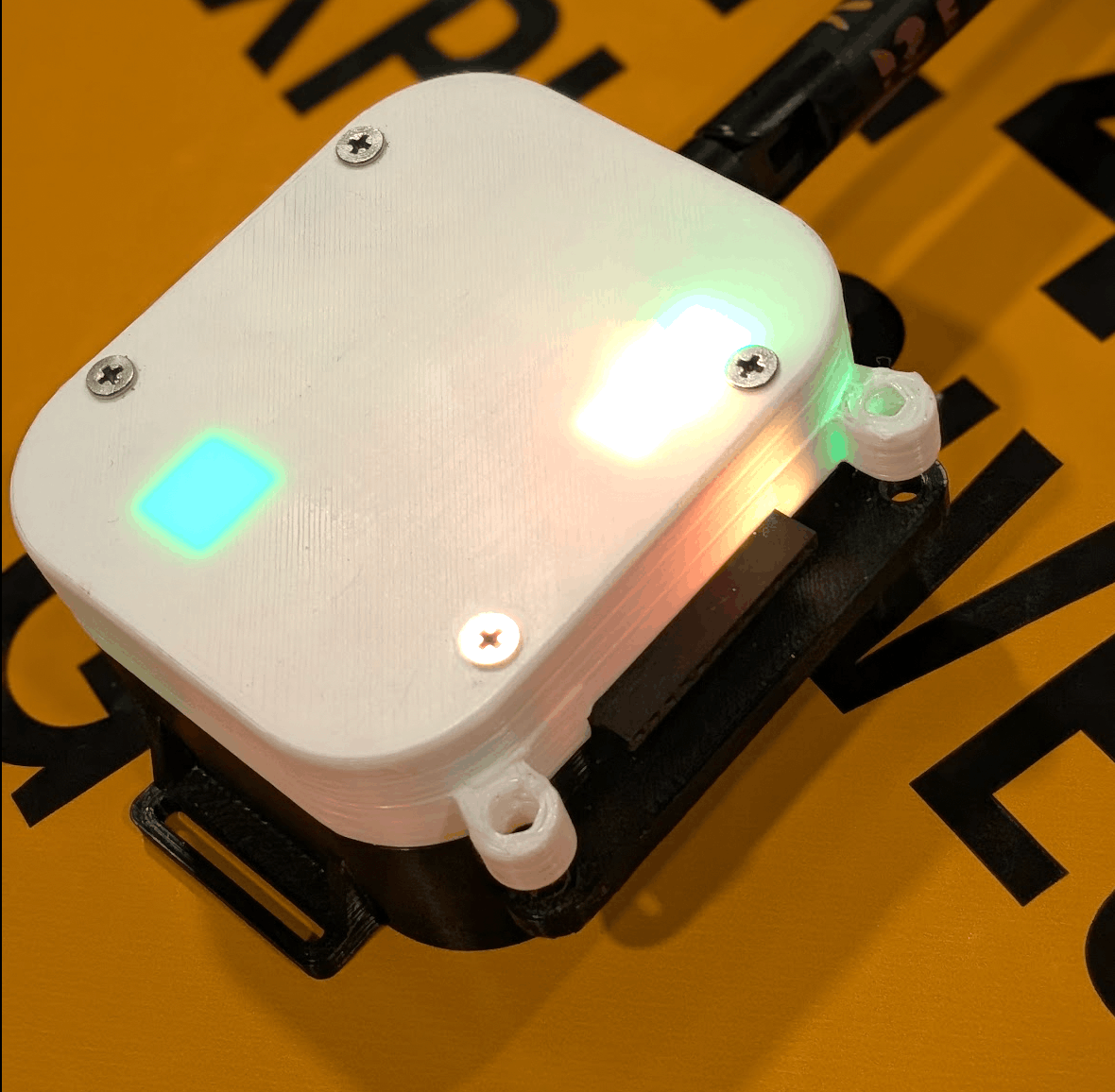
Assembled receiver in its 3D-printed enclosure with multiple status LEDs lit through the case
Receiver ~$27 materials

Custom 2.4 GHz radio, ESP32-S2, USB-C PD charging. Up to 64 cues per receiver. Over 24 hours of runtime per charge. 1000+yd range.

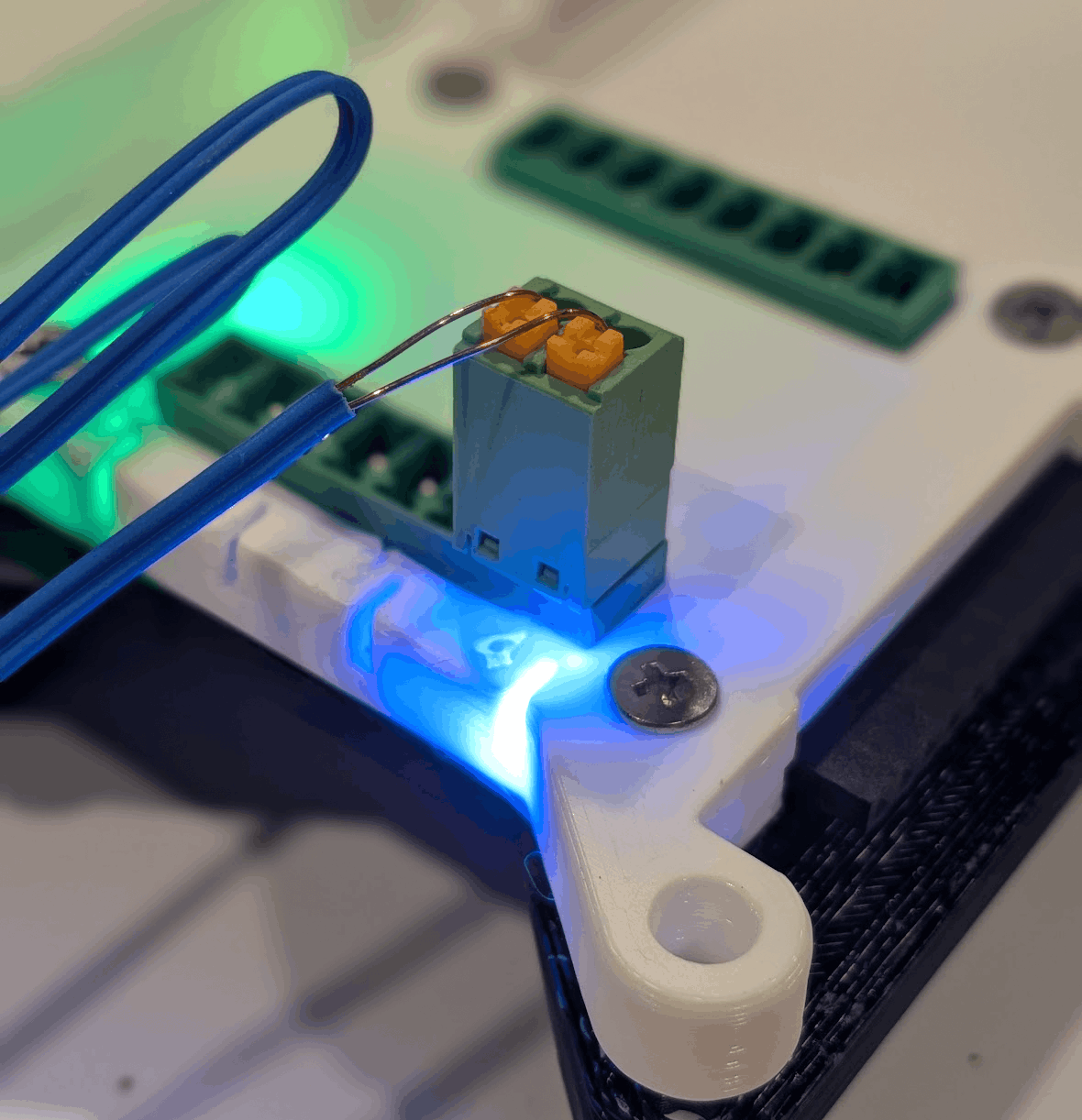
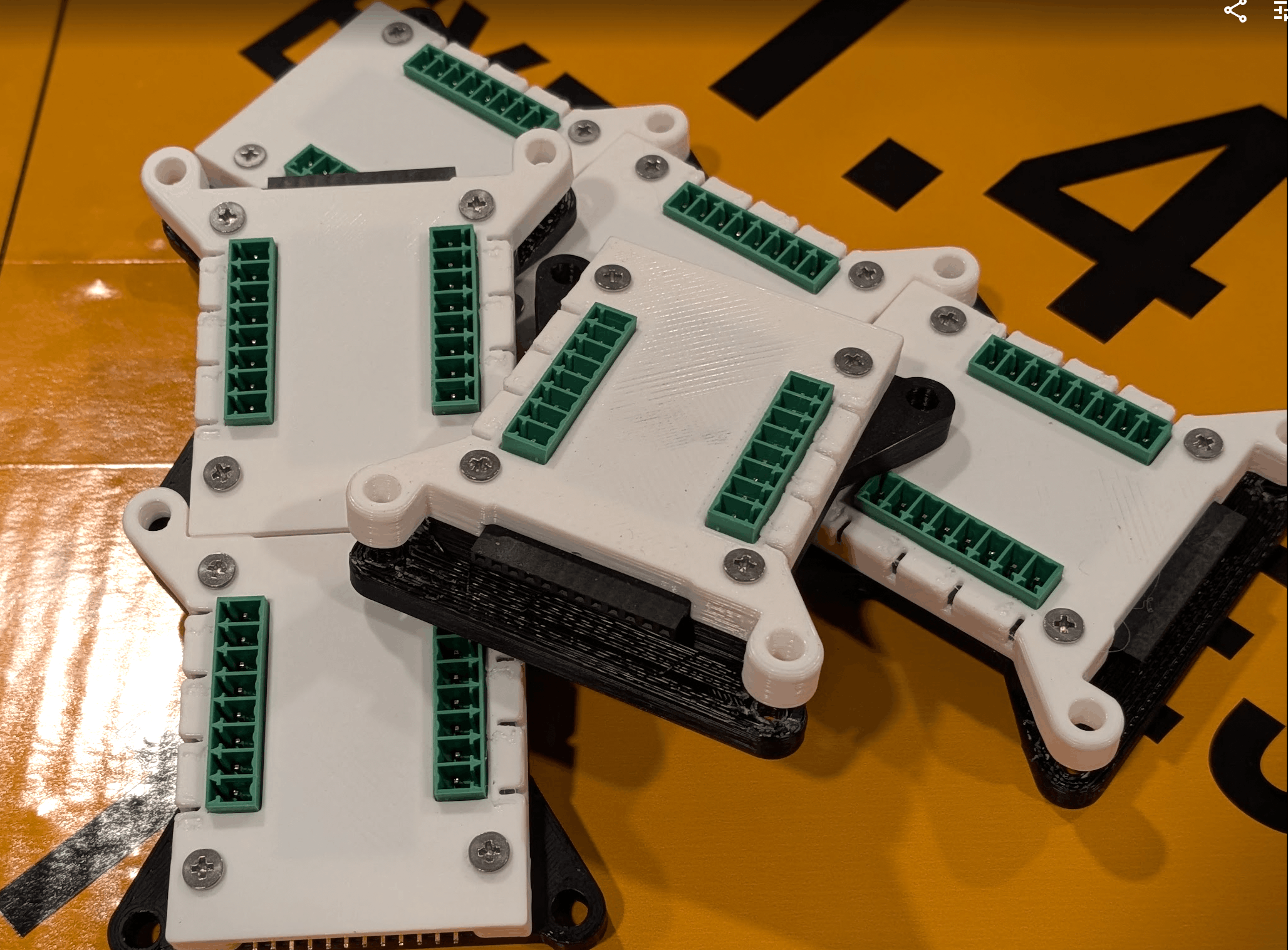
One 8-cue module with RGB indicators showing continuity states
Cue module ~$8 materials

Eight e-fuse channels with customizable plug terminal that can adapt to push or screw connectors. Per-channel RGB LED display of continuity. Chain them back-to-back for up to 64 cues per receiver.

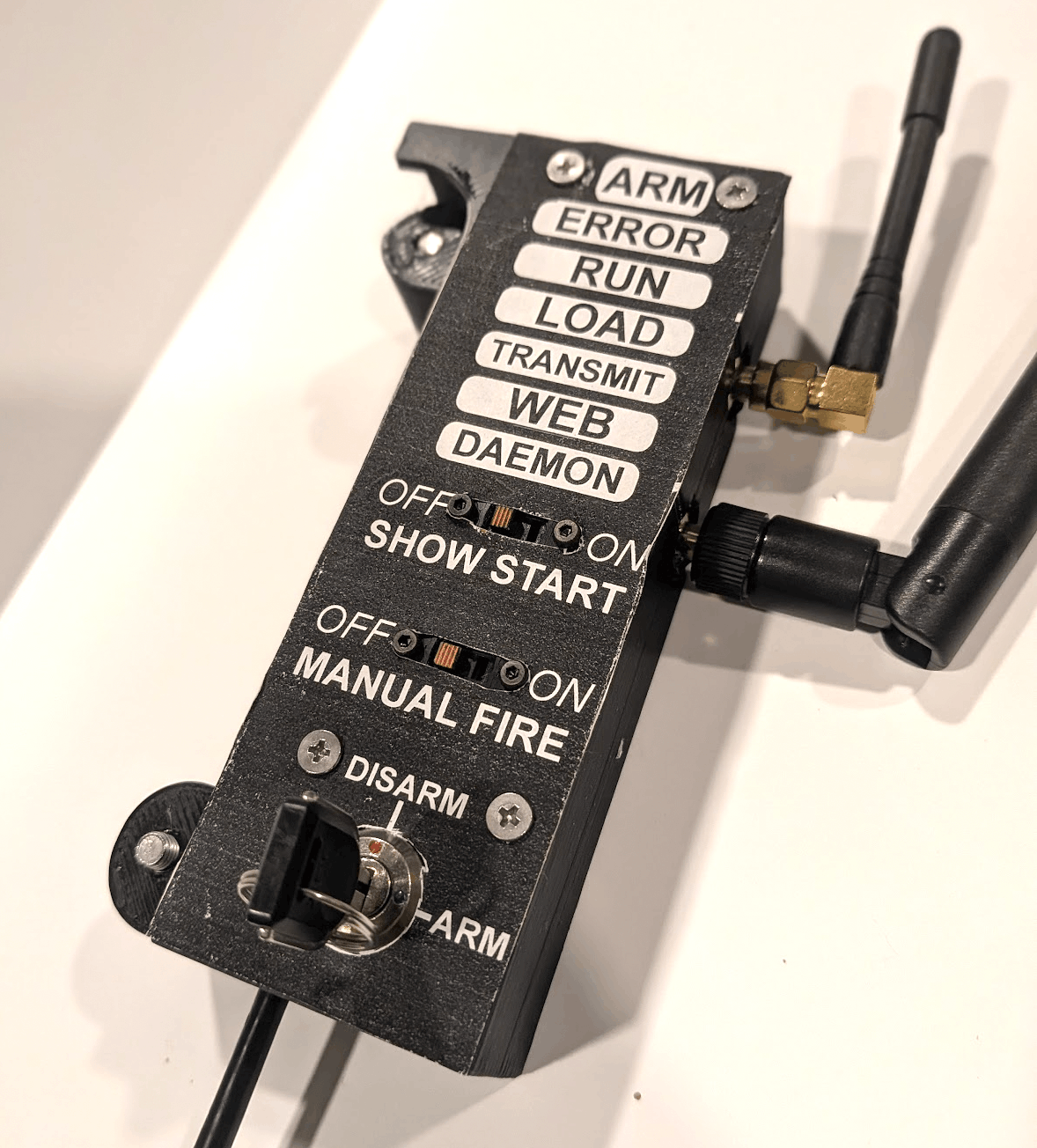
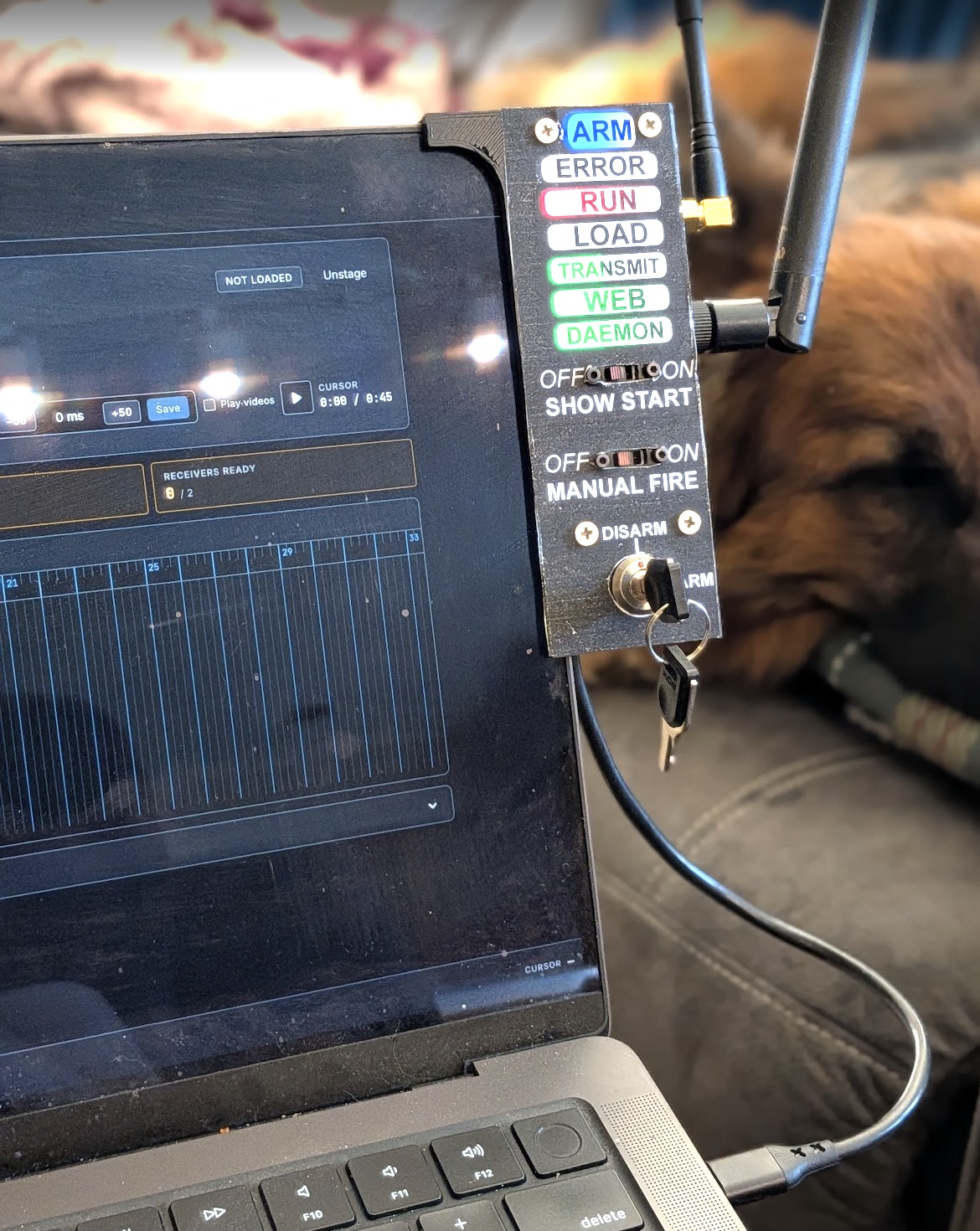
The USB-C dongle, arming switch visible
Dongle ~$25 materials

USB connected to your laptop. Dual 2.4 GHz + 433 MHz radios (supports bilusocn-style modules!). A banana-sized device that turns your laptop into a one-stop planning and firing powerhouse.

Silhouette of the upcoming standalone base unit with two antennas and a 'coming soon' label
Standalone base Coming soon

A self-contained, Raspberry Pi-driven show editor and field controller in one box. Connect to it from laptops, tablets, or smartphones at the racks for control and reference, no laptop required.

Two ways to run it

Same boards, fired one of two ways. Use the laptop you already own, or build a battery-powered box that lives with the gear and lets anyone connect from a phone.

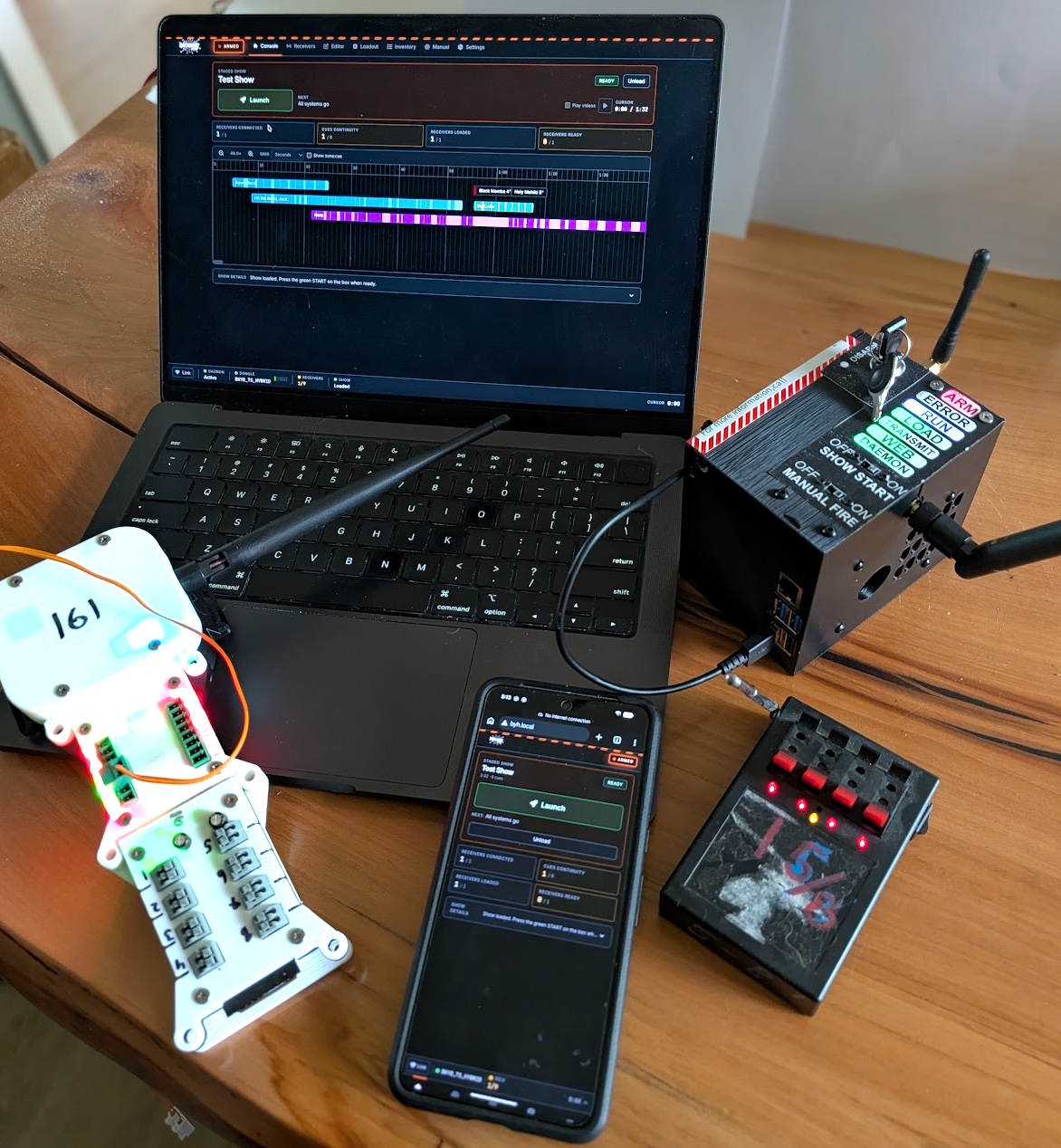
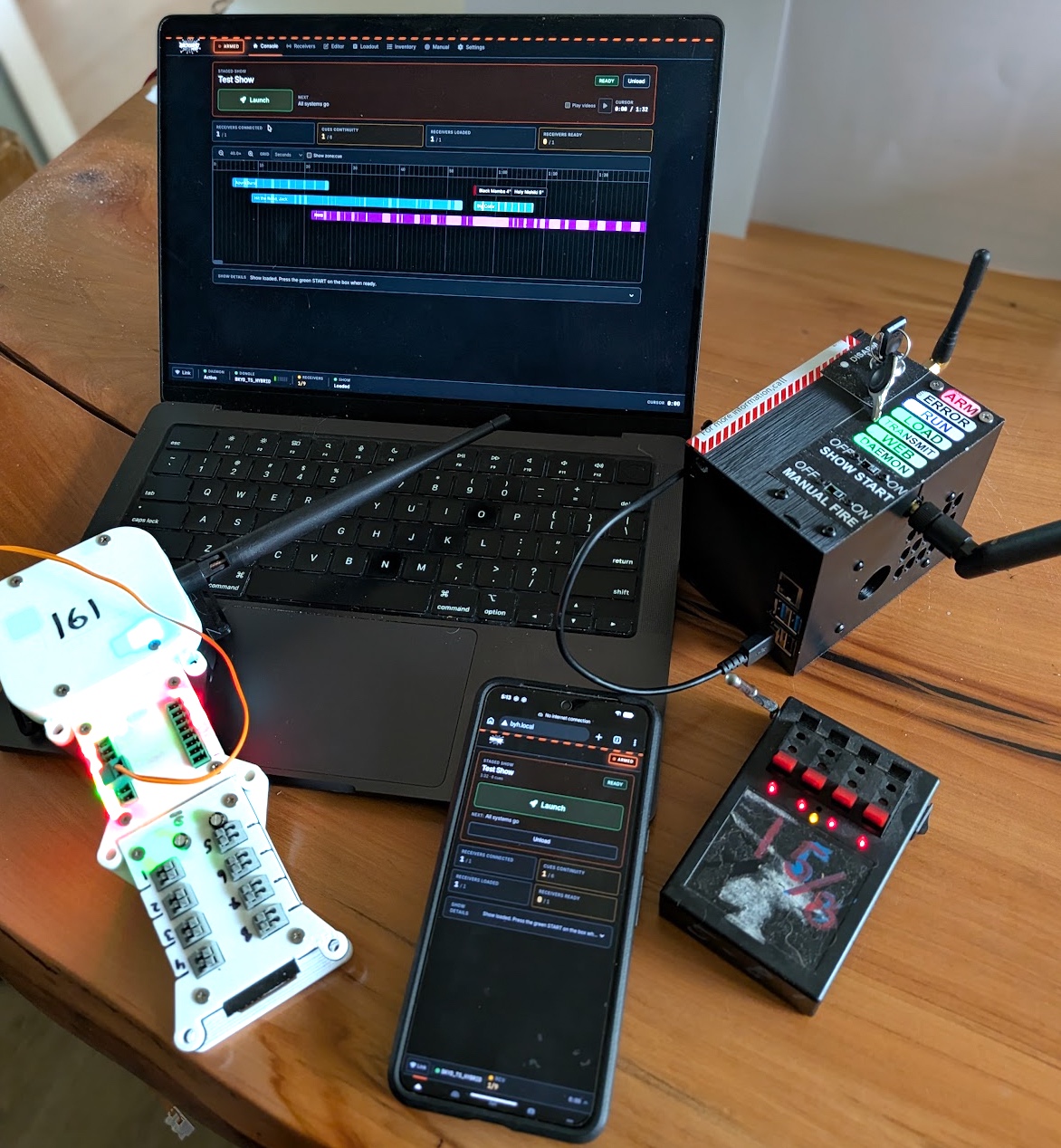
A laptop running the Backyard Hero show builder with the USB-C dongle plugged in, racks visible in the background at dusk

Attached to a laptop

From ~$114

Plug the dongle into the laptop you already own. The same machine plans, builds, and fires the show.

Strengths

  • One device for plan, build, and fire
  • Largest, fastest screen you'll have at the field
  • Cheapest path if you already own a laptop

Trade-offs

  • Your laptop has to come out to the field
  • No Wi-Fi for phones or other helpers to reference
  • More expensive if a laptop isn't already in the kit
Dongle
~$28
2 receivers · 4 cue modules (32 cues)
~$86
Your laptop
$0
Starter, in materials
~$114
A standalone DongleBox: a Raspberry Pi with the Backyard Hero dongle and a battery in a 3D-printed enclosure, status LEDs lit

Standalone DongleBox

From ~$286

A battery-powered Raspberry Pi with the dongle built in. Connect to it at home from a laptop to build the show. Connect to it in the field from a phone, tablet, or laptop to fire it.

Strengths

  • Nothing fragile in the field; no laptop in the dust
  • Configurable Wi-Fi, so anyone wiring can pull up the loadout on their phone
  • Cheaper than buying a dedicated laptop
  • Longer field battery life than most laptops

Trade-offs

  • More expensive if you already have a laptop
  • More involved to build: Pi, battery, enclosure
  • Assumes a phone or laptop nearby for the UI
DongleBox (Pi, battery, enclosure, dongle)
~$200
2 receivers · 4 cue modules (32 cues)
~$86
Starter, in materials
~$286

Both setups talk to the same receivers and the same firmware. Switching between them later is a matter of moving the dongle.

Where the project is

A loose pile of finished 8-cue modules on a workbench

Current stage: 05.2026 semi-open testing. Contributor Portal accounts are open for people who want to view hardware resources, request hardware, preview the show editor, and manage inventory.

Start by creating a Contributor Portal account. You can view board resources, preview the show editor and inventory flows, then request hardware through the portal. Current contributor hardware is shipped for free while testing is active. If you've got a soldering iron and a fab-house account, everything you need for the DIY path is still in the repo and wiki: receiver, cue modules, dongle, firmware, and host app.

Either way: read the disclaimers first. This is DIY pyro hardware. You're responsible for what you build and how you use it.